Ant Evolution Guide: Growth, Mutations, and Free Wings
Use this Ant Evolution guide to hatch, evolve, manage stamina, and unlock wings. Learn how mutations, combat, rebirth, and game passes affect your ant.
Jump to
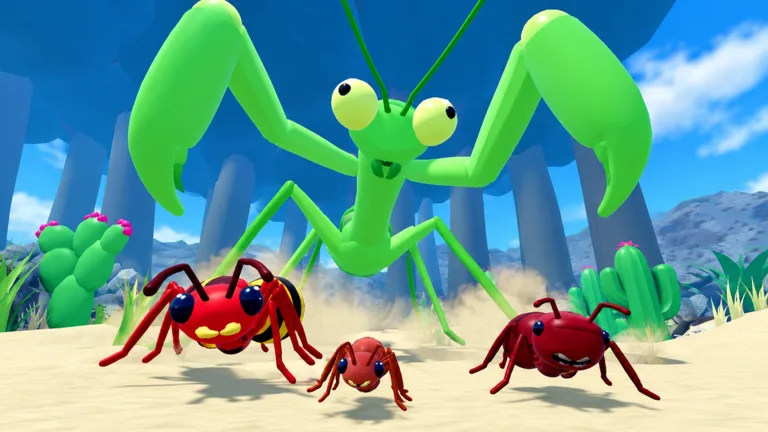
How to Start and Evolve Your Ant
Your tiny ant egg has a long climb ahead—and getting eaten can cost you power along the way. This Ant Evolution guide walks you through growing, fighting, and getting wings without spending Robux. Start by learning the evolution controls and collecting food before challenging other players.
The basic progression loop is straightforward: hatch, eat, evolve, and keep building power.
- Press R to hatch. You begin as an egg and progress toward your ant form.
- Collect food. Food, seeds, and acorns fuel your growth.
- Press R to evolve. Evolution makes your ant stronger, so watch for the evolution prompt as you grow.
- Check quests and rewards. Claim available DNA rewards and look through quests for rewards such as potions.
Keep your early attention on food collection. Build power and learn how your ant moves before turning a feeding run into a fight.
Combat Controls and Surviving Other Ants
Ant Evolution mixes food collection with battles against bugs and other players. Servers hold up to 10 players, so keep an eye on nearby ants while you eat.
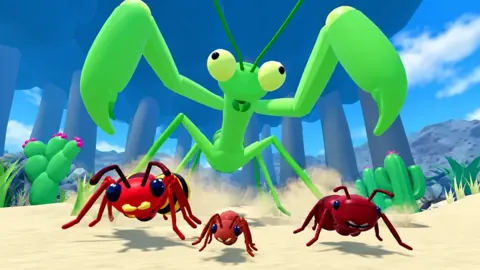
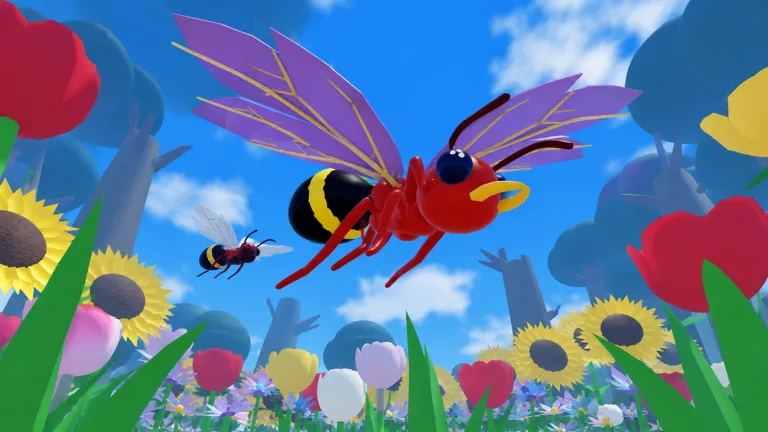 Image: Roblox / tiny ants to big ants
These keyboard and mouse controls cover the basics:
- Left-click: Attack.
- F: Use Bite.
- Q: Use Bounce.
- Hold Shift: Run.
Running uses stamina. Leave yourself enough stamina to move away from a fight instead of spending it all reaching your target.
Getting eaten can reduce your power, making survival part of progression. Evolve before seeking fights, and move away from an attacker when you need room to keep growing. Avoid chasing a contested food pickup straight into another ant’s attacks.
The Giant Mantis is a boss target beyond ordinary bugs and player battles. Build up your ant before taking it on; food collection and evolution remain useful preparation.
How to Get Mutations and Fly for Free
Mutations add abilities to your ant, including fire and wings. Open the Mutate section to roll for a mutation, then equip the result you want to use.
For flight, follow these steps:
- Open Mutate.
- Reroll for the winged mutation, which has rare rarity.
- Equip it to give your ant the ability to fly.
You can obtain flight through mutation rolls without buying the Flying Wings game pass. Since wings are a rare roll, keep that goal in mind when using your rerolls.
Other mutations include Quick healer, Steel ant, and Venom ant. Read their in-game effects before choosing what to equip; their names alone are no reason to replace an ability you already find useful.
Rebirth and Optional Game Passes
Rebirth grants permanent power, giving you a longer-term progression goal beyond your current evolution. Keep it in mind as you grow and work toward stronger fights.
Paid upgrades cover several different mechanics, from mutation capacity to protection against power loss. Compare the exact benefit before spending Robux:
| Game Pass | Price | Effect |
|---|---|---|
| +1 Mutation Slot | 299 Robux | Equip one additional mutation at once. |
| Flying Wings | 349 Robux | Fly without a mutation; +4s flight. |
| VIP | 299 Robux | +25% power and DNA forever, plus gold VIP name and chat tags. |
| Keep Power | 249 Robux | Prevent power loss when you get eaten. |
| Mega Magnet | 199 Robux | x2 food magnet range forever. |
| Lucky DNA | 249 Robux | x2 luck on every mutation roll forever. |
| 2x DNA | 229 Robux | Double DNA from everything forever. |
If flight is your goal, try rolling the winged mutation before purchasing Flying Wings. For any purchase, match the effect to the mechanic you want to change: mutation slots, food collection range, DNA earnings, or power loss.
Continue with
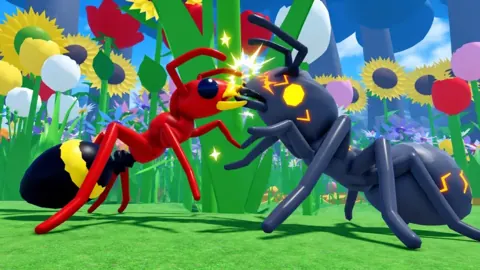 Ant Evolution Rebirth: Permanent Power and UpgradesLearn how Ant Evolution rebirth grants permanent power, what Keep Power protects, and how mutation rolls and DNA upgrades fit into your ant's progress.
Continue exploring
Ant Evolution Update: Event Dates and Free Rewards
Get the Ant Evolution update event dates, redeem codes for DNA and mutation rolls, and prepare for the next Admin Abuse event on Roblox with free rewards.
Ant Evolution 2x DNA: Price, Perks, and Buying Tips
Ant Evolution 2x DNA costs 229 Robux and doubles DNA earnings permanently. Compare it with VIP and Lucky DNA, then plan your game pass purchase wisely.
Join the community
Official channels for news, updates and player help: